You've listed a rental on Booking.com, logged into the Booking.com extranet, and found a dashboard built around hotel concepts: room types, rate plans, policies attached to rates, monthly invoices. If you came from Airbnb, it can feel like you're managing a 200-room hotel instead of one apartment.
Your first action: before you touch prices or photos, open the calendar and confirm that every date you've already sold somewhere else shows as closed. A wrong calendar costs you more than a wrong photo.
This guide covers the parts of the extranet that matter to a small host and the order to check them in.
What is the Booking.com extranet and what do hosts actually use it for?
The Booking.com extranet is the partner back office where you manage your listing's availability, prices, rate plans, policies, reservations, guest messages, reviews and invoices. Hosts mostly need four areas of it.
Booking.com describes the extranet, its Pulse mobile app, and a connectivity provider as the three ways to manage your property. If you use a connectivity provider, some of these settings may be controlled from that tool instead, so check what it owns before editing by hand.
For a vacation rental, the areas worth learning are:
| Area | What you do there | Check how often |
|---|---|---|
| Calendar (rates and availability) | Open and close dates, set nightly prices, manage rate plans | Every time you get a booking elsewhere |
| Property settings and policies | Photos, facilities, house rules, cancellation policies | When something changes |
| Reservations and messages | Guest details, booking breakdowns, replies | Daily in season |
| Finance | Commission invoices, payouts if you use Payments by Booking.com | Monthly |
Everything else can wait until these four are right.
How do you use the Booking.com extranet rates and availability calendar?
Use the calendar to close any date that's booked on another channel, then set one price per night and attach a cancellation policy to each rate plan you offer.
Two hotel concepts trip up hosts here:
- Room types. Booking.com counts each room type in the extranet as one room type, regardless of name or price. A single rental normally means one room type with one unit available per night.
- Rate plans. You can sell the same night under more than one rate plan. According to Booking.com, cancellation policies are an essential element of every rate plan: you create a policy, choose whether and until when free cancellation applies, then link it to one or more rate plans. Flexible and non-refundable options are both available.
Our recommendation: start with one flexible plan and, if you want, one non-refundable plan priced slightly lower. More plans mean more prices to keep aligned.
Keeping the calendar in step with Airbnb
If you also list on Airbnb or your own site, the extranet calendar can import other calendars by iCal. Booking.com says it automatically imports connected calendars every two hours, that this isn't real time, and that you can refresh manually. Airbnb says its own calendar updates from connected calendars every 3 hours.
This suggests a window of several hours when a new booking on one site hasn't yet closed the other. For a deeper look at the trade-offs, see why hosts pair Booking.com with a channel manager.
Getting it wrong is expensive. If you overbook, Booking.com expects you to relocate the guest to accommodation of the same or better standard and pay the costs, including transport.
A same-day availability checklist
Run this whenever a booking arrives on another channel:
- Open the extranet calendar for the booked dates.
- Confirm the dates show as closed, or close them by hand.
- Press the manual calendar refresh if you use iCal import.
- Recheck the next morning that nothing reopened.
- In peak weeks, block by hand on every channel instead of waiting for imports.
How much does Booking.com charge hosts, and where do you see it?
Booking.com charges a commission percentage on the total booking amount, set by your country, property type and agreement; you see it on each reservation and on the monthly invoice.
Per Booking.com's commission guide:
- The rate applies to the room price plus fees such as cleaning, and to no-show or cancellation charges.
- It isn't charged on city tax, but is charged on VAT in most countries.
- Programs such as Preferred Partner or Visibility Booster add to it.
- Commission is applied after checkout and invoiced monthly. You have 48 hours after checkout to mark changes such as a no-show.
There's no single published rate for every host, so check your own agreement rather than assuming a figure. You can compare channels side by side with the OTA fee comparison tool.
If you use Payments by Booking.com, Booking.com collects from the guest and pays you out monthly, weekly or, in some countries, daily, with commission and payment service fees deducted. Our guide to how Booking.com payments work covers the payout side.
A worked example
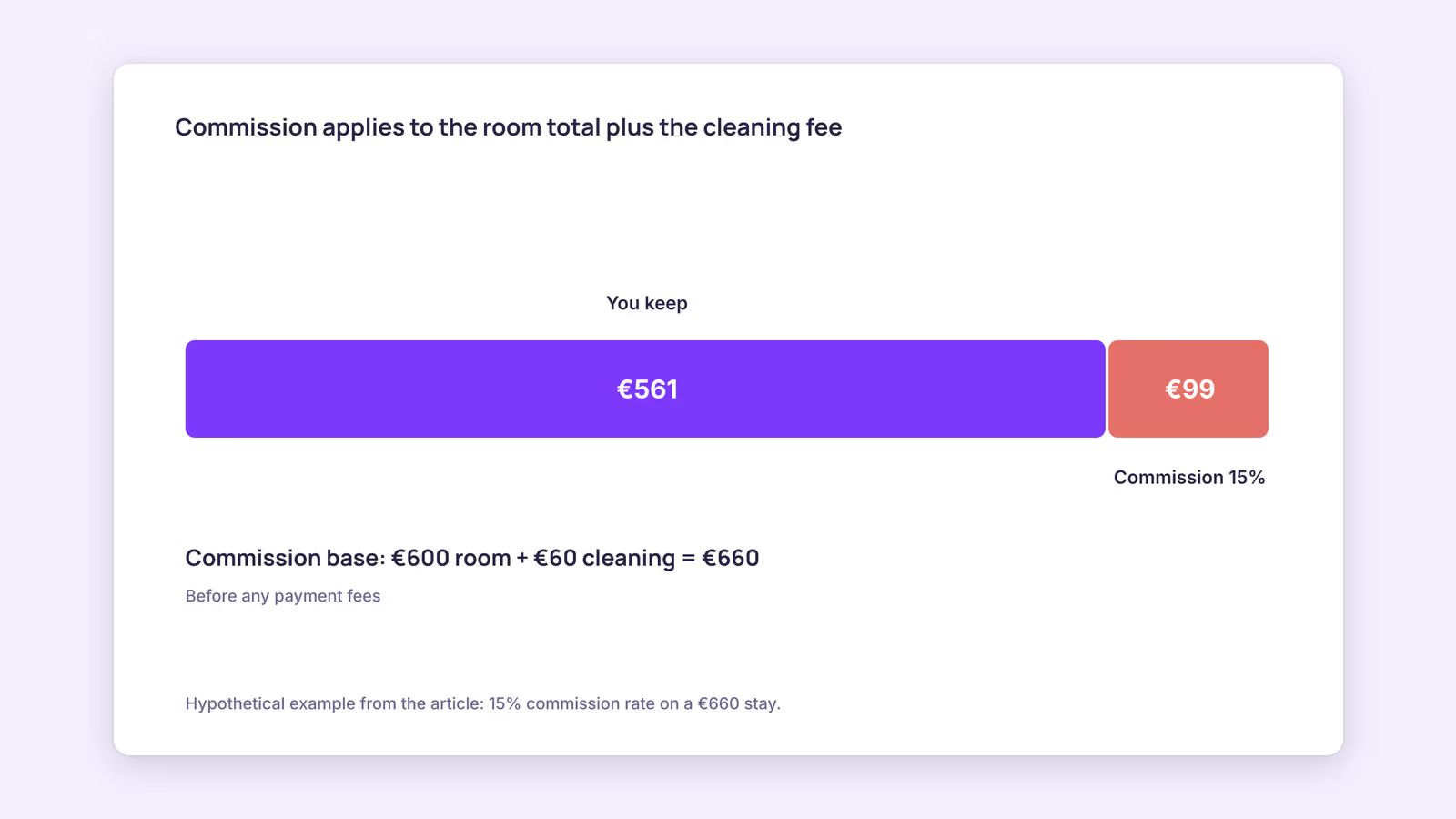
Consider a hypothetical stay with a room total of €600 and a €60 cleaning fee, at a hypothetical 15% commission rate. The commission base is €660, so commission is €99, and you keep €561 before any payment fees or taxes. If you only priced the nightly rate, you'd underestimate the commission by €9. Swap in your own rate from your agreement.
Which extranet settings should you check first as a new host?
Check availability first, then cancellation policies, then property facts and house rules, because those three decide whether bookings are valid, refundable and accurate.
- Policies. An unassigned or mismatched policy means a guest can book terms you didn't intend. Confirm each rate plan has the policy you expect.
- Property facts. Facilities, house rules and photos should match reality. Guests have 90 days to leave a review, and the overall score covers the last three years, weighted toward recent reviews since January 2025. Mismatched expectations tend to show up there.
- Reservations. Read the price breakdown on your first few bookings so you understand what the guest paid and what you'll be invoiced.
When this advice does not apply
- Hotels or multi-unit room types: if one room type holds several identical units, availability works per room type, which behaves differently from a single rental.
- Connectivity provider users: if a provider manages rates and availability for you, edit in that tool; manual extranet changes may be overwritten.
- Different agreements: commission, payout options and available programs vary by country and contract. Your extranet and agreement override anything general.
What to do next
- Open the extranet calendar and confirm every date sold elsewhere is closed.
- Check that each rate plan has the cancellation policy you intend.
- Find your commission rate on a recent reservation or invoice and add it to your pricing sheet.
- Test your calendar export links with the iCal checker.
- Decide whether hand-blocking in peak weeks is enough, or whether you want one calendar feeding every channel.
FAQ
How do I access the Booking.com extranet?
Sign in with the partner account you created when you listed the property. If you can't sign in, use the account recovery on the partner sign-in page rather than creating a second account.
Can I manage the extranet from my phone?
Booking.com names its Pulse app as one of the ways to manage your property alongside the extranet. Our recommendation: do setup work such as rate plans and policies on a computer, where you can see the full calendar.
Does the extranet sync with Airbnb automatically?
Only through iCal import and export, or a connectivity provider. iCal imports run on Booking.com's schedule, so recent bookings can take a few hours to appear.
About BookBed: BookBed gives each unit one calendar with two-way iCal sync for Airbnb and Booking.com, so your import and export links live in one place. It uses iCal, not direct APIs, and Booking.com still fetches on its own schedule. Try BookBed Pro
Sources
- Booking.com for Partners, "Updating your availability calendar in the extranet" — Verified 2026-09-30
- Booking.com for Partners, "Understanding your commission" — Verified 2026-09-30
- Booking.com for Partners, "Setting up cancellation policies" — Verified 2026-09-30
- Booking.com for Partners, "Handling overbookings" — Verified 2026-09-30
- Airbnb Help Center, "Sync your home host calendar to other websites" — Verified 2026-09-30