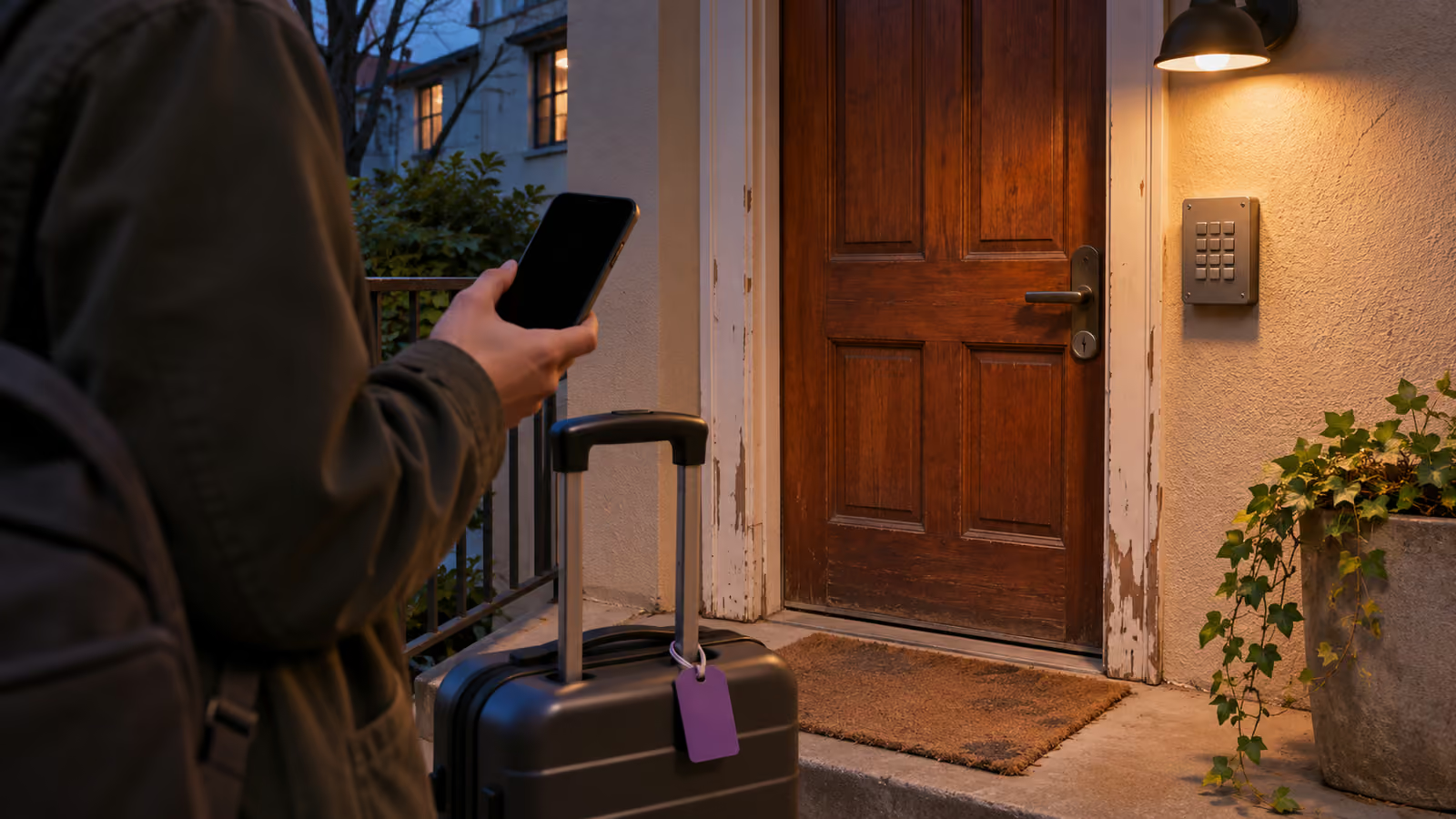
A guest who books through Airbnb or Booking.com opens the platform's app when they forget something. The reservation page, the message thread and a support line all sit in one place. A guest who booked on your own website has none of that. Their whole trip lives in whatever you sent them, usually a confirmation email they may never open again until they are standing outside the building.
So the first job is simple: list every piece of information the platform used to carry for you, and decide which message now carries it. The checklist below does that, followed by a timing map for when each item should reach the guest.
What does an OTA give the guest that a direct booking does not?
An OTA gives the guest a reservation page, a message thread and a support channel that exist without you. On a direct booking, each of those becomes your job, and a guest who cannot find your message has nowhere else to look.
The platforms document parts of this layer themselves. Airbnb says guests can see your check-in method but don't see the detailed check-in instructions until 48 hours before check-in, so the timing is handled by the platform. If something goes wrong during an Airbnb stay, guests are told to contact the host first and use Get Help on the reservation page if the host cannot fix it, and Airbnb describes a dedicated 24-hour safety line. Booking.com's customer service page tells guests they can message agents about a booking and call a 24/7 number for anything urgent.
| Job | OTA booking | Direct booking |
|---|---|---|
| Trip details guest can reopen | Platform reservation page | Your confirmation email |
| Check-in instructions timing | Set by the platform | Set by you |
| Message channel | Platform inbox | Email or phone you agree on |
| Help if host is unreachable | Platform support | Only the backup you name |
| Proof of payment and terms | Platform reservation record | Your receipt and policy |
The last two rows are the ones hosts tend to miss. When an OTA guest cannot reach you, the platform becomes a second point of contact. When a direct guest cannot reach you, nobody else answers unless you have named someone.
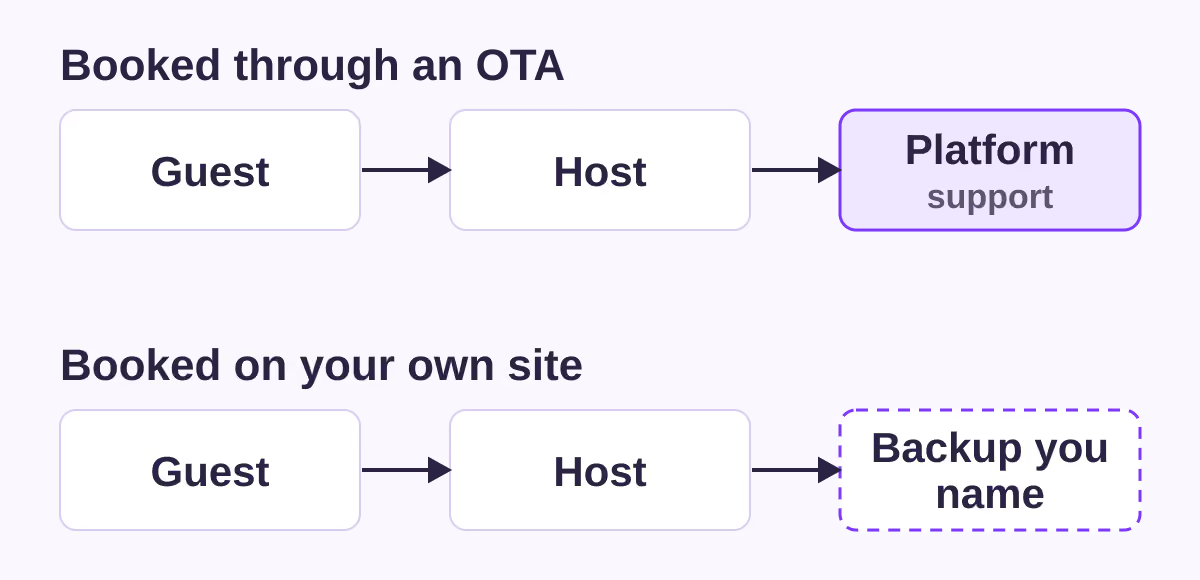
The diagram shows who a guest can turn to next, not how fast anyone answers or how a platform handles a case internally. In an emergency, in either case, the guest should contact local emergency services first.
What should a direct guest have before they arrive?
A direct guest should have eight things before arrival: a confirmation they can find, a working contact both ways, the full address and entrance, an arrival time you agreed, access details, a backup contact, payment status and the rules for the stay.
Use the "done when" column as the test. An item is not finished because you sent it. It is finished when you can see that the guest has it.
| Item | What to include | Done when |
|---|---|---|
| 1. Findable confirmation | Property name and dates in the subject line | Guest replied to it, or you resent it |
| 2. Two-way contact | Guest phone and your reply address | You exchanged one message |
| 3. Address and entrance | Full address, which door, where to park | Guest confirmed how they are travelling |
| 4. Arrival time | Expected time and late-arrival plan | Guest gave a time window |
| 5. Access | Method now, code or key on a set date | Delivery date is on your calendar |
| 6. Backup contact | Second person and local emergency number | Backup knows the dates |
| 7. Payment and terms | Amount paid, balance, deposit, cancellation | Guest has a receipt and the policy |
| 8. Stay rules | House rules, checkout, anything local rules require | Rules sent before access details |
Why two-way contact comes before everything else
Every other item travels over the contact details captured at booking. A mistyped email address or a phone number without a country code means none of the later messages arrive, and you will not know until the guest calls from somewhere else, if they can. Ask a short question in the confirmation, such as the expected arrival time, so a reply proves the channel works. If no reply comes within a few days, try the phone number.
Why the address needs more than a street name
Map pins can land on the wrong side of a large building, at a rear service gate or in the middle of a pedestrian zone. Describe the door the guest should use, what it looks like and where they can stop a car. The self check-in guide covers how to write those arrival instructions so they hold up after dark.
Why the backup contact matters most for direct guests
On an OTA booking the platform is a fallback, even a slow one. On a direct booking your backup is the only fallback. Name a person who can answer during the arrival window, tell them the dates, and give the guest that person's number alongside the local emergency number. Agree in advance what the backup can do: let someone in, call a locksmith, or only pass a message to you.
When should each pre-arrival message go out?
Send booking details at once, the full arrival plan about a week before, access details close to arrival, and a check on the arrival day. These timings are a recommendation; adjust them to how far ahead your guests usually book.
| When | Message | Items covered |
|---|---|---|
| At booking | Confirmation and a question about arrival time | 1, 2, 7 |
| About 7 days before | Address, entrance, parking, house rules, backup contact | 3, 6, 8 |
| 2 to 3 days before | Confirm arrival time, send or schedule access details | 4, 5 |
| Arrival day | Short check that they are on their way | 4 |
| First evening | Ask whether everything works | none, a problem catch |
Two reasons for this order. Rules go out before access details, so the guest has received the house rules before they can open the door. And access details arrive close to the stay, which limits how long a working code sits in an inbox. If you change codes per guest, schedule the code message after the previous guest's checkout.
For a last-minute booking, compress the map rather than skipping steps: one message with confirmation, address, rules and backup contact, then access details once you have an arrival time. The guest communication guide has wording you can adapt for each message.
When this advice does not apply
- You hand over keys in person. If you or a manager meet every guest, the access row becomes a meeting time, and the backup contact matters less while you are on site.
- Your property has a staffed reception. A front desk replaces most of the address, access and backup rows.
- Local rules require guest registration or identity checks. What you must collect, when and how differs by country and city. Check your local authority before adding these to the confirmation, and keep any document collection to what the rule requires.
- The booking came from an OTA. That platform's own messaging rules apply, and the guest already has its reservation page and support channel. The checklist above is for stays booked on your own channel.
What to do next
- Book your own property through your direct channel with a second email address and read only what arrives. Note every item from the checklist that is missing.
- Add a question about arrival time to your booking confirmation.
- Pick a backup contact, agree what they can do, and add their number to your seven-day message.
- Write the access message once and decide the day it goes out relative to check-in.
- For upcoming direct stays, check the "done when" column today and follow up where you have no reply.
For the wider set of tasks around each stay, see the vacation rental operations guide.
Sources
- Airbnb Help Center, article 1644 on check-in methods and instructions. Verified 2026-11-04.
- Airbnb Help Center, "How to ask for help with a problem or issue during your reservation" (article 248). Verified 2026-11-04.
- Airbnb Help Center, "Promoting the safety of our community" (article 3063). Verified 2026-11-04.
- Booking.com, "Customer Service" page. Verified 2026-11-04.
- BookBed documentation, Email Notifications and Pro plan features. Verified 2026-11-04.
About BookBed: BookBed's documentation lists an automatic booking confirmation email to the guest and a check-in reminder seven days before arrival, and the Pro plan adds automated pre-arrival, mid-stay and post-stay messages. You still write what those messages say, choose your backup contact and confirm the guest received them, and BookBed is not a unified inbox for OTA conversations. See BookBed pricing