"Where do we park?" "What's the Wi-Fi?" "Can we leave the bags after checkout?" If you run more than one channel, you answer these in the Airbnb inbox, then again in the Booking.com Extranet, then again by email for a direct guest. Same words, three places, often on the day of arrival.
The fix isn't a longer welcome message. It's deciding which booking event should send which piece of information, where that information comes from, and what happens when the event changes. That's a trigger matrix, and you can build one in an afternoon.
Start now: scroll back through your last ten guest threads across every channel and mark each question that arrived before check-in. Those are the messages you're sending late.
Why do guests keep asking the same questions?
Guests ask the same questions when the answer arrives too late, arrives buried in a long message, or never reaches the inbox they actually read. Repetition is a timing and delivery problem, not a guest problem.
Each platform also controls its own clock. Airbnb says guests see your check-in method early but don't see the detailed check-in instructions until 48 hours before check-in. A guest booking parking or planning a late train two weeks out will ask you directly, because the platform hasn't shown them anything yet.
Booking.com adds a different constraint. Its guest contact guide says neither side sees a private email address, only an anonymous alias ending in @guest.booking.com or @partner.booking.com, and that chat is open from booking until seven days after check-out or cancellation. Your messages reach the guest through that relay or not at all.
So the three causes to check are:
- Timing: the answer exists but lands after the guest started planning.
- Format: the answer is in paragraph six of a long welcome email.
- Channel: the answer went to a channel the guest doesn't check, or to an address you can't reach.
Which message should fire on which booking event?
Tie each message to a reservation event, such as booking confirmed, a set number of days before arrival, or the morning of checkout, and to the data source that fills it. A fixed calendar send breaks as soon as dates move.
Here's the matrix. It's built around guest needs, not template names, and each row says what to do when the automation can't run.
| Trigger | Guest need | Source data | If it fails | Owner |
|---|---|---|---|---|
| Booking confirmed | What happens next, and when | Reservation dates, property name | Send manually same day | Host |
| About a week before arrival | Travel planning: parking, transport, arrival window | Listing directions, parking notes | Answer from saved reply | Host |
| Two to three days before arrival | Access steps, address, Wi-Fi | Lock system or code list, listing fields | Phone or message check before arrival day | Host or co-host |
| Arrival day | Confirm access works, who to contact | Contact rota | Call the guest if no reply by evening | On-call person |
| Mid-stay, morning after arrival | Anything missing or broken | Reservation only | Skip for one-night stays | Host |
| Day before departure | Checkout time and tasks | House rules, checkout notes | Leave printed card in the unit | Host |
| After departure | Thanks, review prompt within platform rules | Reservation only | Skip | Host |
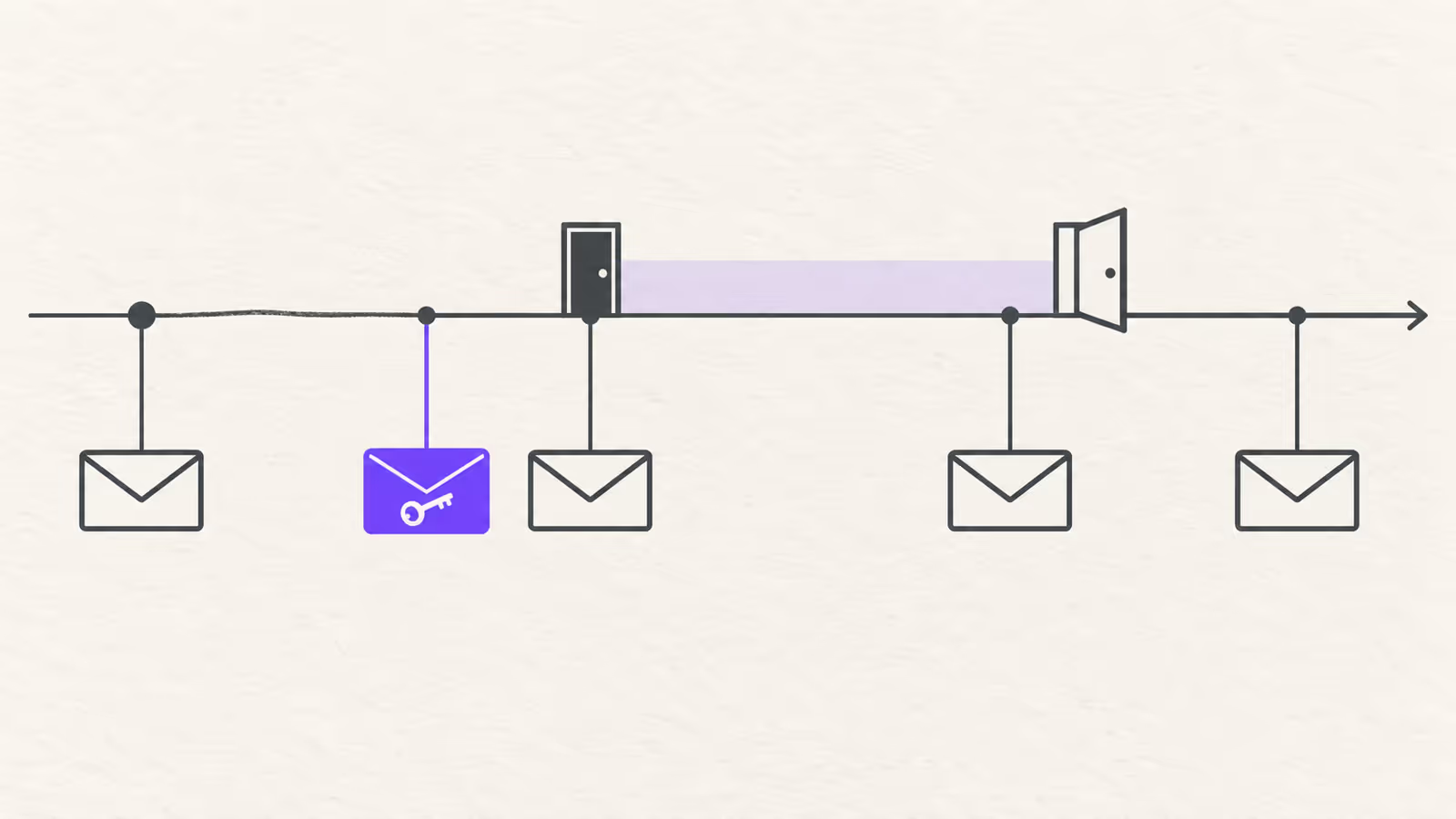
The platforms map onto this differently. Booking.com lets you schedule templates at six fixed stages: at booking, one week before arrival, three days before, one day before, on arrival day, and one day before departure. There's no post-departure stage in that list. Airbnb's scheduled quick replies are scheduled around a new reservation, check-in or checkout and send in the listing's time zone.
That means a single schedule rarely lives in one tool. If you write your matrix first, you can see which rows each platform covers and which ones need another sender. For template wording, our guide to automating guest messages covers copy and variables in detail.
What should stay manual?
Keep a human on anything that depends on judgement or a changed situation:
- early check-in and late checkout requests, which depend on the cleaning schedule
- complaints, damage reports and refunds
- the first message to a guest whose booking was just modified
- any reply where the guest asks a question your template already answered, because that's a sign the template didn't land
Automation sends predictable information. It shouldn't answer a broken boiler.
How do you stop stale access codes after a cancellation or date change?
Send access details only from data tied to the current reservation dates, and re-check every scheduled access message when a booking is cancelled, shortened or moved. An old code sent on old dates is a security problem.
The risk is specific. A guest books, a pre-arrival message with a door code is queued for three days before arrival, then the guest moves the stay a week later. If that message was set against a calendar date instead of the reservation, it may still fire on the old date, or carry a code that's now assigned to someone else.
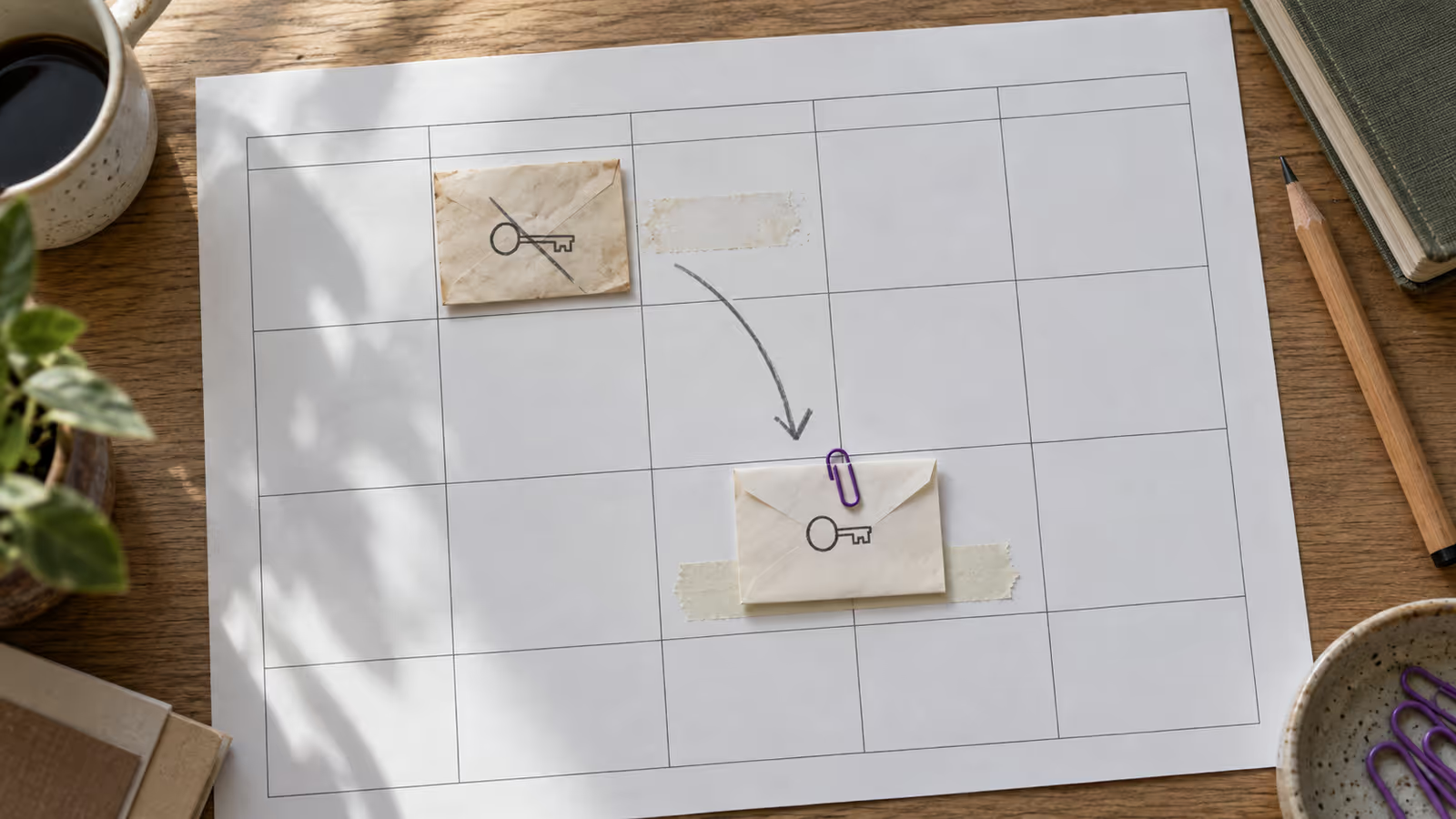
Four rules close most of the gap:
- Codes come from the reservation, not the template. If your lock supports per-booking codes, use them. Airbnb says connected smart lock codes are shared before arrival but only become active at check-in time and expire after checkout. A fixed code typed into a template stays valid for everyone who ever received it.
- Send access late enough. Two to three days before arrival gives guests time to plan without spreading codes for stays that may still change.
- Treat a modification as a new booking. When dates change, check the queued messages for that reservation, confirm the code matches the new dates, and send one short manual message confirming the change.
- Cancel means stop. After a cancellation, confirm nothing queued remains, and if a code already went out, rotate or disable it before the next guest.
For the lock side of this, our self check-in guide covers how to manage codes between stays.
How do channel rules change what you can automate?
Each booking channel limits what your messages can contain and where they can go, so one template can't always be copied everywhere unchanged. Check content rules before you reuse text across channels.
On Airbnb, the Off-Platform Policy bars asking guests for their email or other contact channels after booking and bars links that take people off Airbnb. A pre-arrival template that says "email me your arrival time" is fine for a direct guest and a policy problem on Airbnb.
On Booking.com, messages go through the reservation alias, and the templates guide says PDFs and QR codes aren't supported as chat attachments and that you should approve the URLs you want to share. A house manual PDF linked by QR code won't travel the same way it does in a direct-booking email.
A practical approach is one master matrix with a channel column added where rules differ. Write the core content once, then keep two or three channel variants instead of one copy per listing per platform. A unified inbox helps with the replies that automation shouldn't send.
When this advice does not apply
- Hosted or front-desk properties where staff hand over keys don't need remote access messages.
- Single-channel hosts can usually do everything inside that platform's own scheduler.
- Properties without per-booking codes still need a manual step or a lock change before access details can safely be automated.
- Local registration or ID rules vary by country; don't automate ID collection without checking what your jurisdiction and each platform allow.
What to do next
- Tag every repeated pre-arrival question from your last ten threads.
- Fill in the trigger matrix above for one property, including the failure and owner columns.
- Mark which rows Airbnb, Booking.com and your direct-booking setup each cover, and which need another sender.
- Move door codes out of static templates and into a per-booking source.
- Write a one-line manual message for date changes and save it as a quick reply.
FAQ
Should I send the Wi-Fi password before arrival?
Yes, with the access message two to three days out. It's low risk, and guests who check in late won't need to message you for it.
Do Booking.com automated messages reach the guest's real email?
No. Booking.com relays messages through an anonymous alias, so you'll never see the guest's private address and shouldn't try to collect it.
Can one template serve every channel?
The core content can. Expect separate variants where channel rules on links, attachments and contact details differ.
About BookBed: BookBed Pro includes automated guest messaging for pre-arrival, mid-stay and post-stay moments, timed from the reservation rather than a fixed date, so your matrix can follow the booking. Lock codes, platform content rules and which inbox each message reaches still depend on your lock setup and each channel, so check those before you switch it on. See BookBed pricing
Sources
- Airbnb Help Center, "Add check-in and checkout instructions to listings" — Verified 2026-10-02
- Airbnb Help Center, "Create scheduled quick replies and send them to guests automatically" — Verified 2026-10-02
- Airbnb Help Center, "How smart lock codes are shared with guests" and "Off-Platform Policy" — Verified 2026-10-02
- Booking.com for Partners, "Contacting guests: Guide and tips" — Verified 2026-10-02
- Booking.com for Partners, "Guide on setting up message templates and replies"; BookBed pricing (public/pricing.md) — Verified 2026-10-02