
A guest picks dates on your website, reaches checkout, and the payment fails. Now you're looking at a calendar that can't answer a simple question: are those nights sold, held, or free?
Reopen them too early and a late payment can land on a night you've already sold to someone else. Keep them blocked too long and you're turning away real guests for a booking that will never happen. Both mistakes cost money.
Start now: open your payment provider's dashboard, find the payment attempt, and note its exact status and time. Don't touch the calendar until you know which kind of failure you're dealing with.
Is a failed payment the same as a cancelled booking?
No. "Payment failed" covers at least three different situations: a declined attempt the guest can retry, a checkout the guest abandoned, and a payment that's still processing. Only the second is safely over.
Stripe's guide to declines lists three reasons a payment fails: the card issuer declined it, Stripe's fraud screening blocked it, or the integration made an invalid request. Issuer declines include ordinary problems such as an incorrect card number, low funds, or an expired card, so the guest may still be on the checkout page trying another card.
Use the payment record, not the guest's message, to decide what you're looking at:
| What you see | What it usually means | What to do with the dates |
|---|---|---|
| One declined attempt, checkout still open | Guest may retry | Keep the hold until it expires |
| Checkout session expired, no payment | Abandoned | Release the dates |
| Payment shown as processing | Delayed method, result pending | Keep the hold; don't resell |
| Payment succeeded, booking still pending | Confirmation didn't reach your system | Confirm manually; don't release |
| Blocked by fraud screening | Risk decision, not a typo | Release, and contact the guest if it looks genuine |
The fourth row is the dangerous one. The guest has paid, but your calendar doesn't know it yet.
Which booking states should block your calendar?
Inventory should be blocked from the moment a guest commits to paying until the payment either succeeds or definitely fails. Inquiries shouldn't block; holds should block temporarily; confirmed stays block until cancelled.
A booking state machine is simply the list of states a reservation can be in and the allowed moves between them. Most direct booking tools use fewer named states than this, but these are the situations you need to handle:
| State | Blocks the dates? | Ends when | What you should be able to see |
|---|---|---|---|
| Inquiry | No | You accept or decline | Guest message, requested dates |
| Hold, payment pending | Yes, temporarily | Payment succeeds, fails for good, or hold expires | Checkout start time, expiry time |
| Payment processing | Yes | Provider reports success or failure | Processing status in the payment dashboard |
| Confirmed | Yes | Stay ends or booking is cancelled | Successful payment, confirmation email |
| Failed, retry possible | Yes, until the hold expires | Guest retries or hold expires | Declined attempt in the dashboard |
| Expired | No | Final | Expired checkout, no successful charge |
| Cancelled | No | Final | Cancellation record and reason |
| Refunded | No | Final | Refund record in the payment dashboard |
Every pending state needs an exit. A hold without an expiry is how dates end up stranded for weeks, blocked by a guest who closed the browser tab.
How long should a hold last?
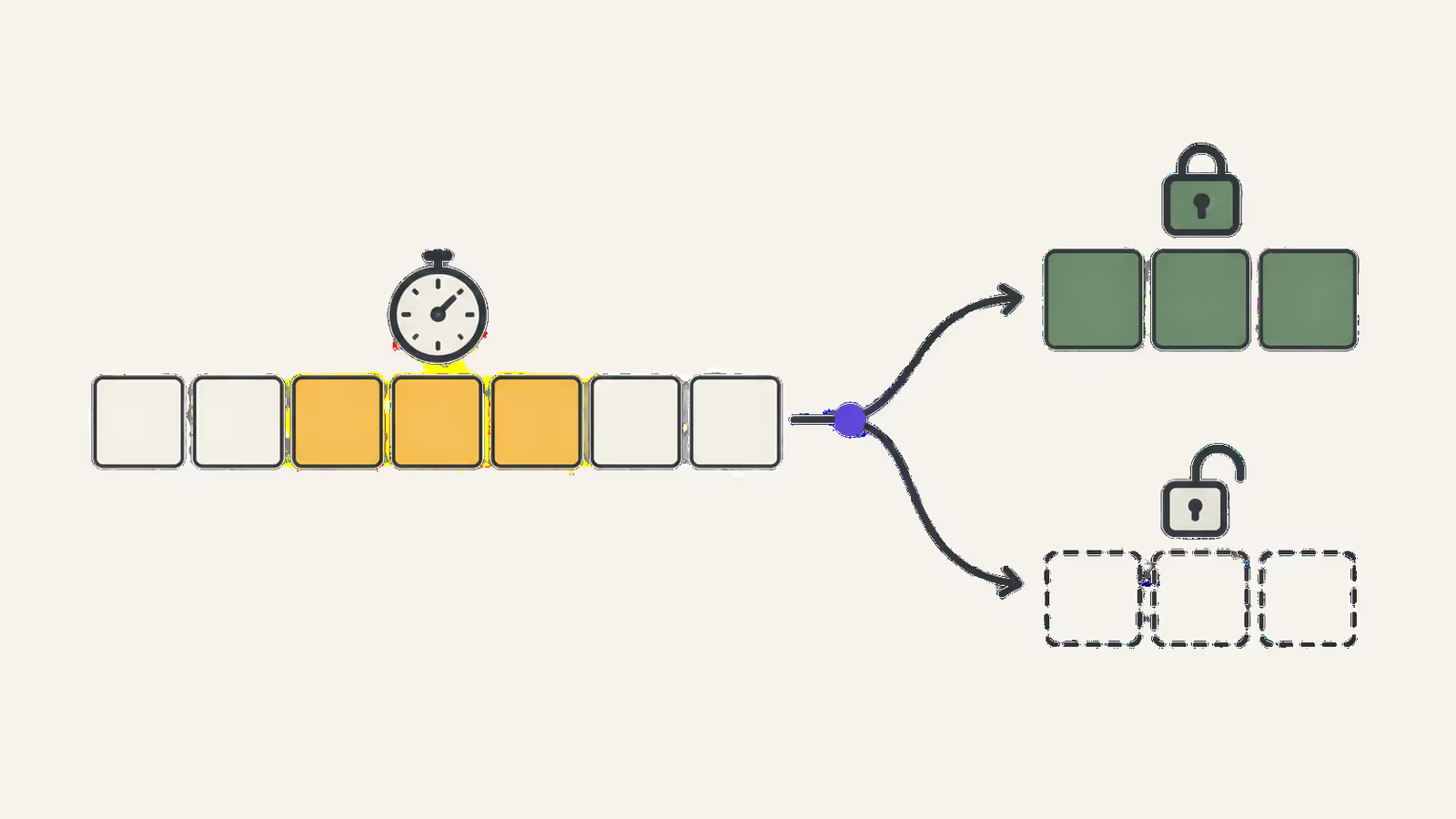
There's no universal right number. Payment tools set ranges, not answers: Stripe's guide to managing limited inventory says a Checkout Session's expiry must fall between 30 minutes and 24 hours after creation, and defaults to 24 hours if you don't set one.
For card payments, the guest pays on the spot, so a short hold covers the realistic payment time. For bank transfers, you need days, not minutes, because the money moves on banking schedules.
Our recommendation: set the hold to cover the realistic payment time for each method, and no longer. Consider a weekend that's in high demand. A 24-hour default hold on an abandoned checkout keeps it off sale for a full day, which on a Friday can mean the weekend goes unsold. If your tool lets you shorten card holds, do it.
What happens when a payment confirmation arrives late?
If your system reopens the dates before it hears about a successful payment, a second guest can book them, and the first guest's payment then lands on a night that's already sold.
It can happen because payment confirmations don't always travel instantly. Most booking tools learn about payments through webhooks: automated messages the payment provider sends to the booking system. Stripe's webhook documentation says it retries failed deliveries "for up to three days" in live mode, doesn't guarantee events arrive in the order they were created, and that an endpoint might receive the same event more than once.
Stripe's fulfillment guide adds that some payment methods, such as bank debits, aren't instant: the payment stays processing until it succeeds or fails, and the success arrives as a separate later event. The same guide says fulfillment logic must handle being called multiple times for the same checkout.
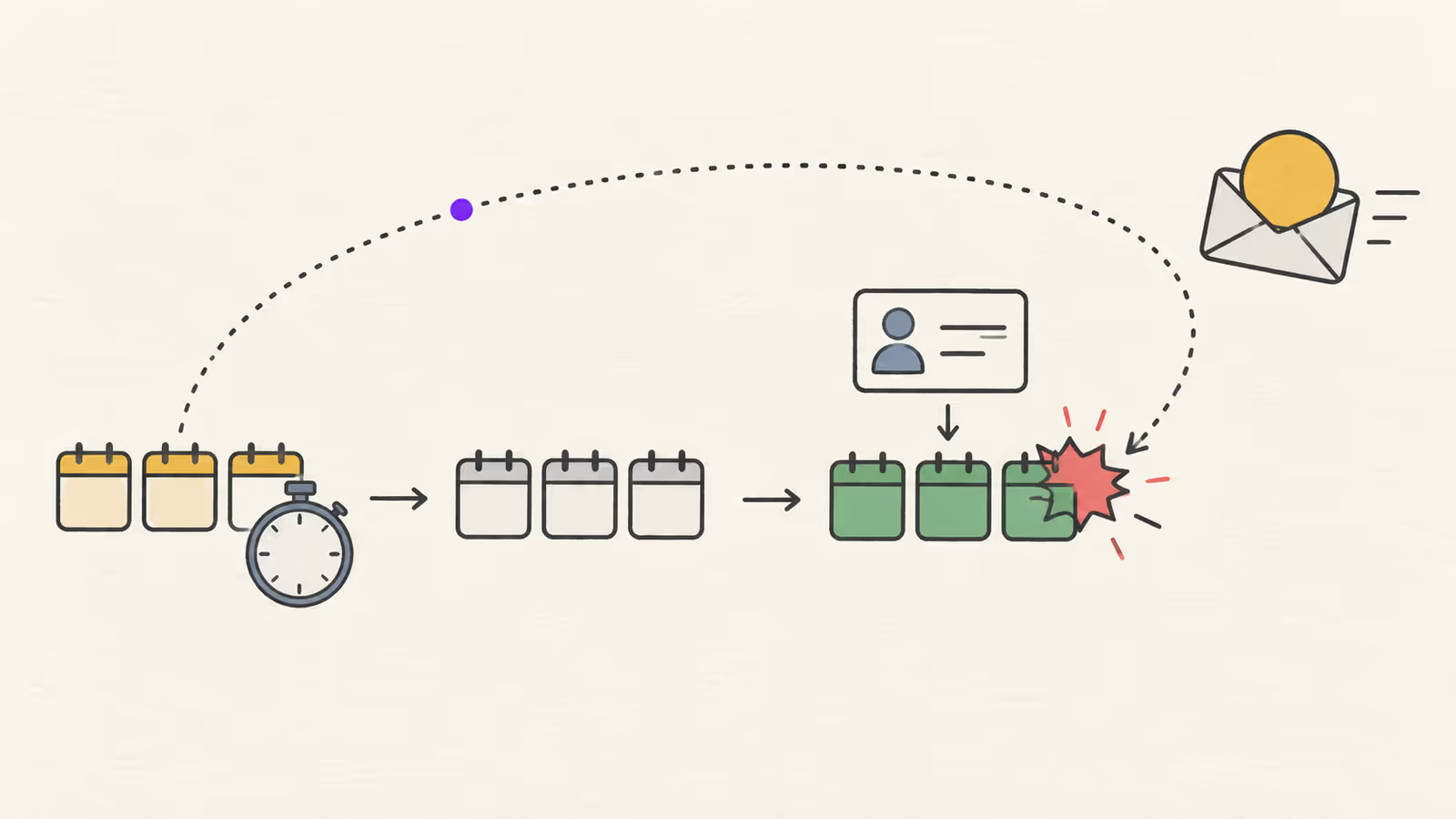
We infer two rules for hosts from this. First, never reopen dates while a payment shows as processing. Second, before you manually release a hold, check the payment dashboard for a successful charge you haven't seen in your booking system.
What if the guest paid twice?
A double charge usually means the guest retried after a slow page or a timeout, and both attempts succeeded. Keep one booking, refund the other payment, and tell the guest which charge you kept. Stripe's refunds guide says customers see the refund as a credit about 5 to 10 business days later, depending on the bank, so send the refund reference if they ask.
What if the late payment hits a resold night?
Then you have two paying guests for one stay. Honor the booking that was confirmed first in your calendar, refund the late payment in full, and contact that guest the same day with alternative dates if you have them. Write down the timeline while it's fresh; you'll need it if the guest disputes the charge.
What about manual bank transfers?
Bank transfers have no automatic confirmation, so the hold is your only protection. Give the guest a clear payment deadline when they book, check your bank account before the deadline passes, and release the dates only after the deadline and a final account check. Match payments by reference, not by amount, because two bookings can cost the same.
Recovery checklist: a payment just failed
Work through these in order. Stop at the first step that resolves the situation.
- Find the payment record. Note status, time, and payment method in your provider's dashboard.
- Check for a success you missed. Search the guest's email and the stay amount for any successful charge.
- If processing: keep the hold and wait for the final result. Don't resell.
- If declined and the checkout is still open: keep the hold. Send the guest one short message offering a new payment attempt.
- If expired or abandoned: confirm the booking is cancelled in your system and the dates show as open on every channel you sync to.
- If paid but still pending: confirm the booking manually and check the confirmation email reached the guest.
- If a duplicate or late payment exists: refund it, record the reason, and message the guest.
- Log it. Write down the unit, dates, failure type, and outcome. Repeated failures of one type point to a setup problem, not bad luck.
If released dates still show as blocked on your website afterwards, the problem has moved from payments to calendar sync. Our guide on a booking widget that shows the wrong dates covers that trace.
When this advice does not apply
- Inquiry-only or request-to-book flows: if you approve each booking before taking payment, nothing is sold until you accept, so holds don't arise in the same way.
- Pay on arrival: with no upfront payment, a failed payment can't block the calendar. Your risk shifts to no-shows, which your cancellation terms handle.
- OTA bookings: on Airbnb or Booking.com, the platform runs payment and decides when a reservation is confirmed or cancelled. See our Airbnb payout guide and Airbnb cancellation policy guide for how those platforms handle money and cancellations.
- Custom integrations: if you've built your own checkout, hold durations and webhook handling are your developer's code, so test them against the situations above.
What to do next
- Find out how long your booking tool holds dates during checkout, and whether you can change it per payment method.
- Make one test booking with a declined test card, if your tool supports test mode, and watch what happens to the dates.
- Check your calendar for any pending bookings older than their payment deadline and resolve each one.
- Write a short bank transfer deadline into your booking confirmation template.
- Keep the recovery checklist above where you handle bookings.
For the wider setup behind on-site bookings, read our direct booking widget guide.
FAQ
Should I block the dates as soon as a guest starts checkout?
Block them when the guest commits to paying, not when they first look at dates. A hold that starts at checkout and expires on schedule protects the booking without freezing your calendar for browsers.
Can I reopen dates if the guest stops replying after a failed payment?
Yes, once the hold has expired and the payment dashboard shows no successful or processing payment. Check both before you release.
About BookBed: In BookBed's direct booking widget, Stripe checkout and booking status are connected: a successful payment moves a pending booking to confirmed, an expired payment cancels it and frees the dates, and pending bookings can trigger payment reminders. BookBed doesn't control bank or card decisions, so a declined payment still needs the guest to retry. Get the direct booking widget
Sources
- Stripe, "Declines" — Verified 2026-10-01
- Stripe, "Manage limited inventory" — Verified 2026-10-01
- Stripe, "Receive Stripe events in your webhook endpoint" — Verified 2026-10-01
- Stripe, "Fulfill orders" — Verified 2026-10-01
- Stripe, "Refund and cancel payments"; BookBed documentation, "Booking Statuses" and "Stripe Payment Integration" — Verified 2026-10-01