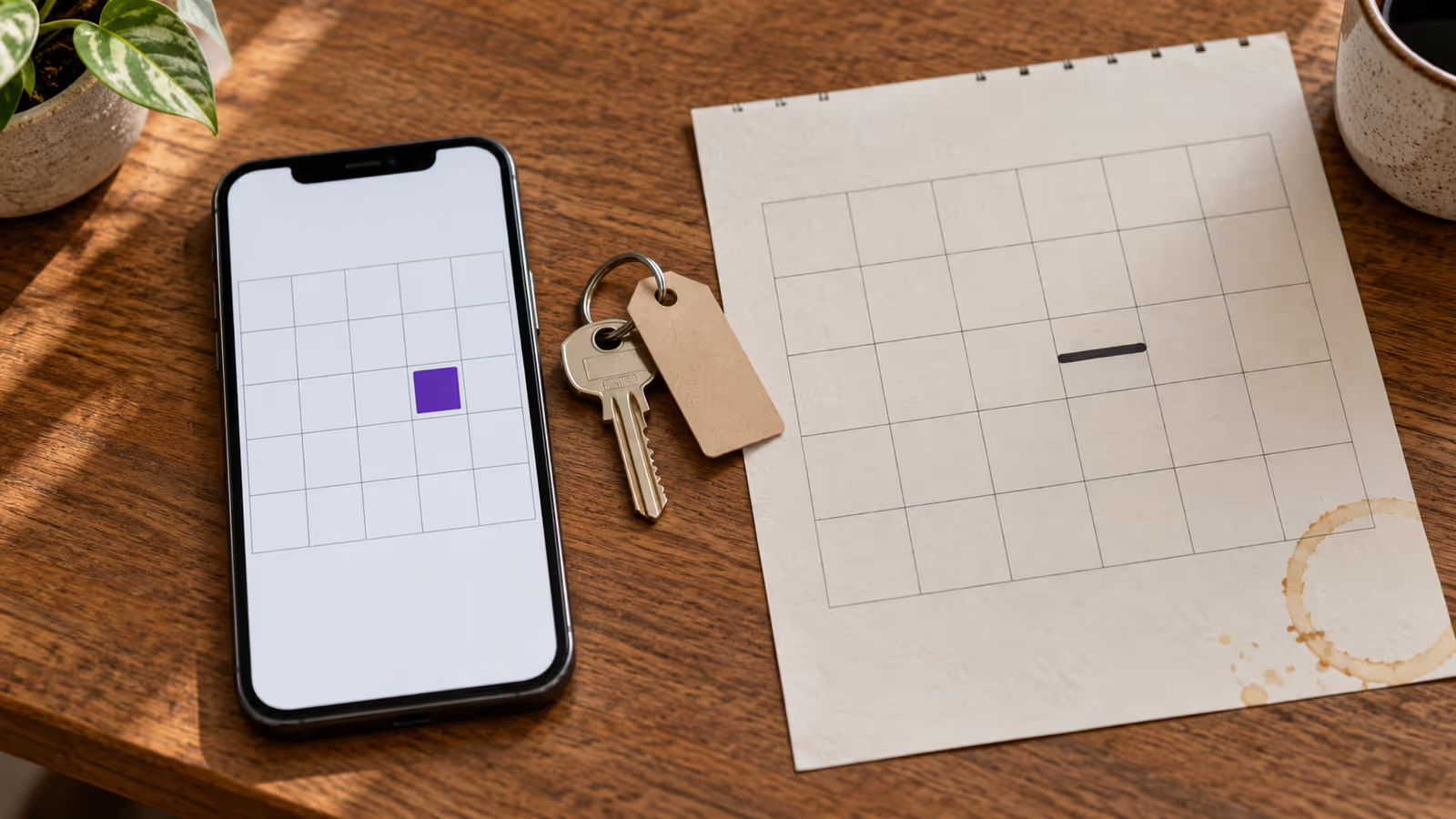
Your website's booking calendar is wrong in one of two directions. Either it lets a guest pick nights already booked on Airbnb or Booking.com, or it greys out nights that are actually free. The first costs you a double booking. The second costs you a direct booking you never see.
Both share a root: the widget shows a copy of your availability, and somewhere between the reservation and the guest's screen, that copy went wrong. Re-embedding the widget won't fix it. Finding the link that dropped or invented a date will.
Start now: open your website in a private browser window, pick the wrong dates, and write down three things: the unit, the exact nights, and what the widget did. That note is the input for every step below.
Is your widget showing a false opening or a false block?
A false opening is a night the widget offers even though it's sold elsewhere. A false block is a night the widget refuses even though nothing occupies it. They have different causes.
Name the symptom before you touch any setting. Adding another calendar import to stop false openings can create false blocks a week later.
| Symptom | Guest impact | Urgency |
|---|---|---|
| False opening | Can book a night that's already sold | High: block the night by hand now |
| False block | Can't book a free night | Medium: lost revenue, no conflict |
| Both, on different dates | Mixed | Usually a mapping or date-boundary problem |
| Correct one day, wrong the next | Intermittent | Usually a stale or cached copy |
If it's a false opening on dates in the next few days, block those nights directly in the system your widget reads from before you diagnose anything. A guest can book while you investigate.
How do you trace a wrong date from the widget back to its source?
Follow the date through five checkpoints: what the guest selected, what the widget returned, your master calendar, the upstream feed, and the original reservation. The first checkpoint that disagrees with the one after it is your leak.
Your master calendar is the one calendar you treat as the source of truth, whether that's a PMS, a channel manager, or a booking system. The widget should read from it, and nothing else.
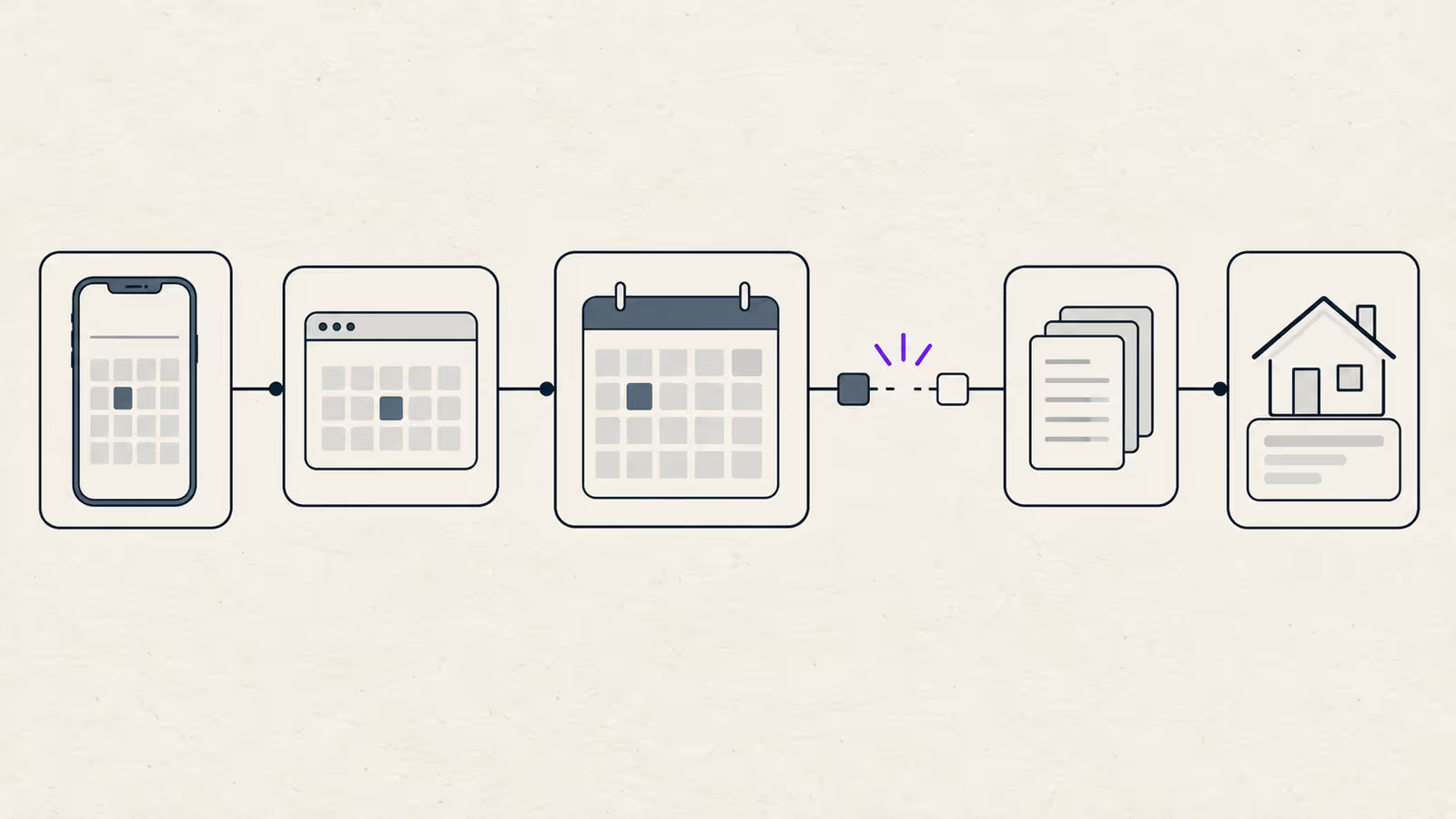
| Checkpoint | What to check | If it's wrong here |
|---|---|---|
| 1. Guest selection | Exact nights and unit in a private window | Reproduce again; note the time |
| 2. Widget response | Does a fresh page load still show it? | Cached page or widget copy |
| 3. Master calendar | Is the night open or blocked on that unit? | Mapping or import problem |
| 4. Upstream feed | Is the event present in the OTA's export feed? | Stale, removed, or wrong feed |
| 5. Reservation record | Does the booking exist, and with which dates and status? | Cancelled, moved, or never confirmed |
Check one unit at a time, because multi-unit properties hide mapping errors. And note the time at each checkpoint: a feed that's two hours behind looks correct an hour later.
Which causes leave booked nights open on the widget?
Booked nights stay open when the reservation never reaches the calendar your widget reads: the feed is stale, points to the wrong unit, loops back on itself, or the dates are read one night short.
Stale imports and fetch delays
Most OTA calendar sync uses iCal, a shared calendar file each platform publishes and others fetch on their own schedule. Airbnb says its calendar "automatically updates every 3 hours" from connected calendars, with a manual Refresh for sooner checks. The same logic runs in reverse: your master calendar only learns about an OTA booking when it next fetches that OTA's export link.
So a fresh OTA booking can be invisible to your widget for a while even when everything is configured correctly. It becomes a bug when the dates stay open after a manual refresh. Paste the OTA's export link into the free iCal feed checker to confirm the feed loads and contains the event.
Wrong unit mapping
If Apartment A's Airbnb feed was imported into Apartment B, A's bookings block B, and A stays open. That produces both symptoms at once, so "wrong in both directions" points to mapping first.
Circular imports
A circular import happens when A imports B, B imports C, and C imports A. Events can then arrive late, twice, or get dropped during deduplication. Keep one path per channel: each OTA to your master, your master to each OTA.
End dates read one night short
The iCalendar standard, RFC 5545, says the DTEND of an event is "the non-inclusive end of the event". Its own example: an event running June 28 to July 8 inclusive carries a DTEND of July 9.
For a rental, a stay from the 10th to the 13th blocks the nights of the 10th, 11th, and 12th. A tool that reads DTEND differently can drop the final night of every imported stay, or add one and block the night after every checkout. Count the nights of one known booking on each side.
Which causes block nights that are actually free?
Free nights get blocked when a calendar still holds something that no longer exists or never should have counted: a cancelled stay, an expired hold, an old feed, a timezone shift, or a booking rule applied as a block.
Cancelled and moved reservations
When a guest cancels or changes dates, the old event has to disappear from the feed or be marked cancelled. RFC 5545 defines a STATUS value of CANCELLED for exactly this. If an importer ignores that status, or keeps events it has already seen after they vanish from the feed, the old dates stay blocked. At checkpoint 5, confirm the reservation's current dates, then check whether checkpoint 3 still shows the old ones.
Pending holds that never release
Many direct-booking flows hold the dates while the guest pays. If the payment is abandoned and nothing releases the hold, the nights stay blocked. The next section covers how long holds should last.
Dead feeds from old tools
A feed from a deleted listing, an old channel manager, or a test calendar can keep blocking dates for months. If blocked nights match no reservation anywhere, look for an import you don't recognise.
Timezone shifts on all-day stays
RFC 5545 distinguishes a DATE value, a whole day, from a DATE-TIME value, a moment in time. We infer that when a stay arrives as a DATE-TIME in UTC and a tool converts it into your local timezone, the block can move to the previous or next day. The pattern is a whole block sliding by one night, not getting shorter.
Rules that look like blocks
Minimum stay, advance notice, and preparation time all remove nights from sale without any booking. Airbnb notes that nights blocked on another calendar "may or may not" block on Airbnb when they come from settings such as preparation time. Check the widget's own booking rules before you blame a feed.
Why doesn't a correct calendar stop two guests paying for the same night?
Showing a night as free and confirming it as sold are separate controls. The calendar shows availability. Only a final check at the moment of confirmation stops two guests from buying the same night.
Consider two guests on your website at the same minute, both looking at the same free weekend. Both see it as open, and both are right. If nothing re-checks the dates before confirming, both can pay. No feed or cache fix prevents this, because nothing was stale.
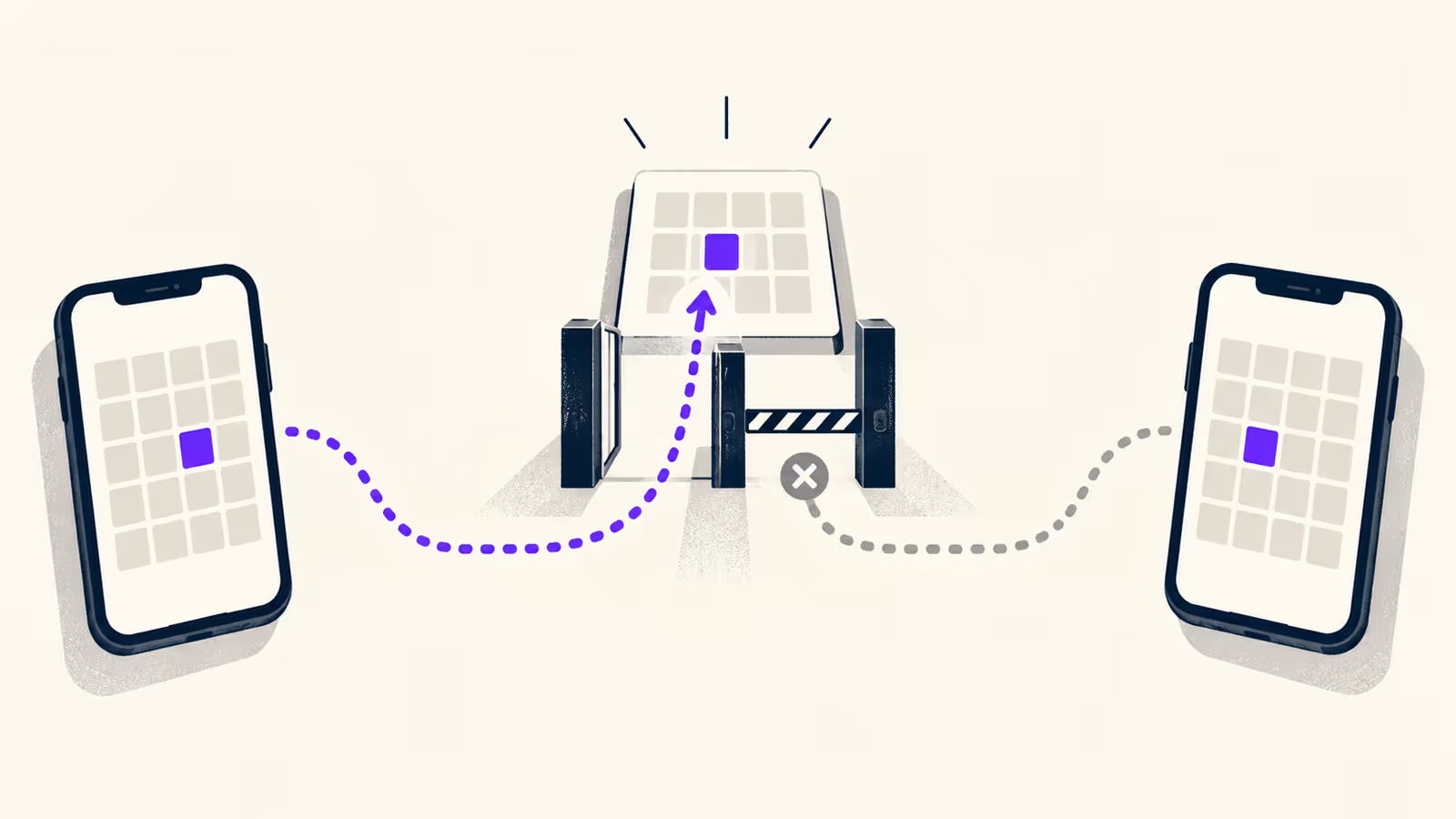
Payment tools handle the same problem for limited stock. Stripe's guide to managing limited inventory explains that a Checkout Session can be expired so a pending sale is cancelled and the item made available again. The expiry must fall between 30 minutes and 24 hours after creation, and defaults to 24 hours if not set.
That creates a trade-off you should decide on deliberately:
- Hold the dates when checkout starts. No second guest can take them, but abandoned checkouts keep nights blocked until the hold expires. That's a false block by design.
- Don't hold, but re-check before confirming. Nights stay sellable, but a guest can reach the last step and be told the dates are gone.
- Neither. Both guests can pay. Avoid this.
Our recommendation: keep holds short, and make sure the final confirmation step re-checks your master calendar. Ask your booking tool's support which of these it does.
When this advice does not apply
- API-connected channels: if an OTA is connected to your master calendar through an API rather than iCal, the fetch timing above doesn't describe that link. Check your provider's documentation for how and when it updates.
- Inquiry-only calendars: if your widget only collects requests, nights aren't sold until you accept, so the race in the last section becomes a manual approval step.
What to do next
- Block any falsely open nights in the next 14 days by hand, in the calendar your widget reads.
- Run the five-checkpoint trace for one wrong date and write down where it first disagrees.
- List every imported and exported calendar link per unit, and delete any that are circular, duplicated, or from tools you no longer use.
- Test one known booking for an off-by-one end date: count the blocked nights on the OTA, the master calendar, and the widget.
- Find out how long your checkout holds dates and whether it re-checks them before confirming.
For the wider setup behind these checks, see our direct booking widget guide, and if an OTA stay vanished from your master calendar entirely, read why a booking disappears from an iCal calendar.
FAQ
Should I reinstall the widget embed code?
Only if the IDs in the embed code are wrong. If the widget faithfully shows your master calendar, reinstalling changes nothing.
Can a widget be fully real time with Airbnb?
Not over iCal. Airbnb documents a 3-hour automatic update plus a manual Refresh, so any iCal-based setup keeps a window where a fresh booking isn't visible everywhere.
About BookBed: BookBed's direct booking widget reads availability from the same BookBed calendar your connected channels import into, and takes payment through your own Stripe account with no BookBed commission, so there's no second copy of your calendar to drift. OTAs still send and fetch calendar updates on their own schedule. Get the direct booking widget
Sources
- IETF, RFC 5545 "Internet Calendaring and Scheduling Core Object Specification (iCalendar)" — Verified 2026-09-30
- Airbnb Help Center, "Sync your home host calendar to other websites" — Verified 2026-09-30
- Stripe Docs, "Manage limited inventory" (Checkout Session expiration) — Verified 2026-09-30
- BookBed documentation, "Embedding the Booking Widget", "Stripe Payment Integration", and "Booking Statuses" at /docs — Verified 2026-09-30