
The reservation shows as cancelled on the platform where it was made. But one or more of your calendars still shows those nights as taken, so nobody can book them. Every day that block survives is a day the dates can't be resold.
The tempting fix is to find the block and delete it. Don't do that yet. A block on a synced calendar can come from several places, and some may belong to a different, still-valid stay. Delete the wrong one and you can reopen a unit someone is about to arrive at.
Start now: write down the unit, the cancelled dates, the platform where the booking was made, and every calendar where the dates still look blocked. That list is your map for everything below.
Why do cancelled dates stay blocked?
Cancelled dates stay blocked when one layer between the booking and your calendars hasn't caught up, or never will: the source platform, its exported feed, the receiving calendar's import, or a manual block you added yourself.
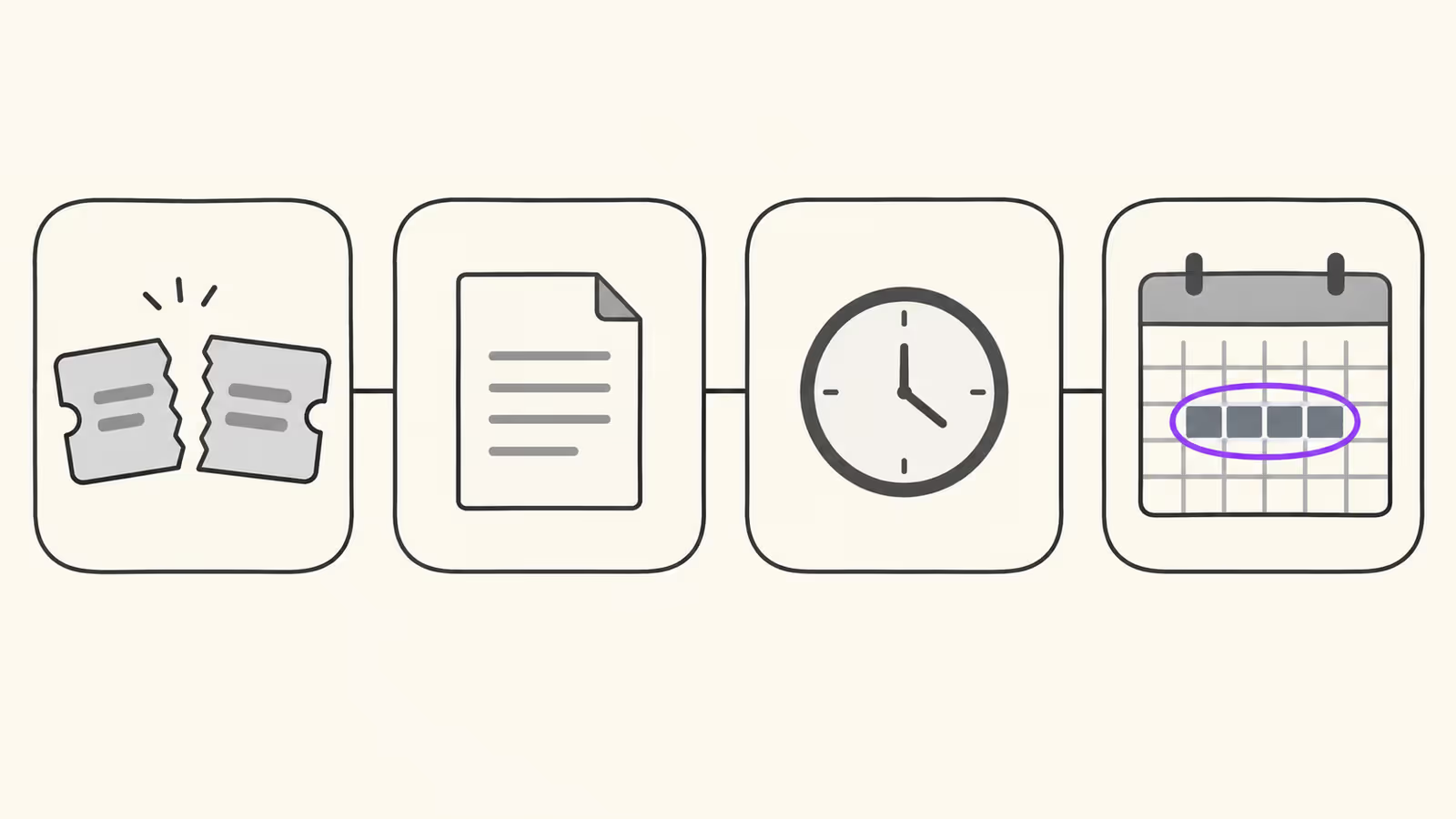
Most hosts connect channels with iCal sync, where each platform publishes a calendar file and the others fetch it on their own schedule. A cancellation has to travel the whole chain before the nights reopen everywhere. Each link can hold the block for a different reason:
- Source status: the platform where the booking lived keeps the nights blocked on purpose.
- Exported feed: the source's file still contains an event for those nights.
- Import refresh: the receiving calendar hasn't fetched the updated file yet.
- Manual block: you, a co-host, or a tool added a separate block that has nothing to do with the reservation record.
Is the source platform still blocking the nights on purpose?
Sometimes the block is intentional. On Airbnb, who cancelled matters: a guest cancellation reopens the nights, but a host cancellation of a confirmed reservation leaves them blocked.
Airbnb's guide for when your guest cancels their reservation says it will unblock the dates "so you're available to get another booking," and that dates are "typically unblocked shortly after a cancellation." Its page on why calendar nights may be blocked says the opposite for hosts: "If you cancel a confirmed reservation, those nights will remain blocked and can't be manually unblocked."
That rule can spread. If the nights still count as unavailable on Airbnb, calendars importing your Airbnb feed may keep blocking them too. Open the raw Airbnb export and look for an event on those dates before changing anything elsewhere. If one is there, the other calendars are reading it correctly.
Booking.com handles this with a setting. Its help page on auto-replenishment says the feature lets a cancelled room or unit become bookable again automatically, that it's on by default for new partners, and that you can switch it on or off under the calendar's availability settings. The same page lists conditions where it isn't available. If auto-replenishment is off, a cancelled Booking.com reservation may leave the room closed until you reopen it in the extranet.
Is the block still in the exported iCal feed?
If the source shows the booking as cancelled but its export file still carries an event for those nights, every calendar that imports that file will keep blocking them, however often it refreshes.
Open the source's export link in a browser and search for BEGIN:VEVENT near the cancelled dates. Two patterns matter.
The event is gone. That's the normal case. The file no longer mentions the stay, so the next import should clear it.
The event is still there. Check for a STATUS line. RFC 5545, the iCalendar standard, defines three values for events: TENTATIVE, CONFIRMED, and CANCELLED, which "Indicates event was cancelled." An event can stay in the file as a kind of tombstone, marked cancelled rather than removed. The standard doesn't require every importer to treat a cancelled event as free time, so our inference is that some readers may keep blocking a STATUS:CANCELLED event. If the event has no STATUS line at all, the source is still exporting it as an ordinary block, which points back to the source platform.
Also read the dates. RFC 5545 says DTEND is the "non-inclusive end" of an event, so a block ending on the 16th leaves the 16th free. A block that looks one night too long may be a reading mistake.
Has the receiving calendar actually re-read the feed?
If the source file is clean and a destination still shows the block, the destination is probably working from an older copy. Check its last import time before you touch anything else.
Each platform fetches on its own clock. Airbnb's calendar sync page says connected calendars update "every 3 hours" and offers a manual Refresh Calendar option. Booking.com's guide to synchronising calendars across channels says it imports connected calendars "every two hours," with an Import now button. Trigger the manual refresh, then wait a few minutes and look again.
Our recommendation: don't disconnect and reconnect the feed as a first step. Booking.com says removing a connection "stops all syncing" between the two systems, and Airbnb says you can't pause an imported calendar, only disconnect it. While a feed is disconnected, the dates it was blocking for other, live bookings could open too.
Which layer is holding the block?
Use this table once you've checked the source status, the raw feed, and the last import time.
| What you found | Layer holding the block | Safe action |
|---|---|---|
| Host cancelled on Airbnb | Source rule | Leave it; it can't be unblocked manually |
| Booking.com room still closed after cancellation | Source setting | Check auto-replenishment, reopen in the extranet |
| Event still in the export, no STATUS line | Exported feed | Fix at the source or contact its support |
| Event in the export with STATUS:CANCELLED | Exported feed and reader | Ask the receiving platform how it reads cancelled events |
| Export clean, destination still blocked | Import refresh | Manual refresh, then check the last import time |
| Export clean, refreshed, still blocked | Manual block | Find who added it and remove only that block |
| Two blocks overlap the same nights | Possible live stay | Stop and identify both before removing either |
How do you reopen the dates without exposing a live stay?
Reopen dates only after you've confirmed which record created the block and that no other reservation, owner stay, or maintenance hold covers any of those nights.
Work through this checklist in order:
- Confirm the cancellation at the source. Look at the reservation on the platform where it was made, not at a forwarded email or a synced copy.
- Search every channel for the same dates. A new booking may have landed on overlapping nights through another channel while the block sat there. If one did, the block you see might be that new stay.
- Identify the block's origin. Synced events usually name their source calendar. A block with no source is often manual, and manual blocks don't disappear when a reservation is cancelled.
- Remove only the block you can trace to the cancelled booking. Leave anything you can't explain until you've asked the co-host or tool that might have added it.
- Refresh each destination and check again. The nights should open everywhere within one import cycle of the source's export changing.
Manual blocks are the usual leftover. If a sync problem once made you block dates by hand on a second channel, as our guide to a booking that disappeared from an iCal feed suggests, that block stays put after the reservation is cancelled. If a co-host or owner shares the calendar, a block you can't explain may be theirs.
Test that removals travel too
Checking that bookings arrive isn't enough; check that a deleted block leaves. Our recommendation is a short test you can run on any unit:
- Pick one night far enough ahead that nobody is likely to book it.
- Add a block for that single night on the calendar that exports to the others.
- Wait one import cycle, refresh each destination, and confirm the block appears everywhere.
- Remove the block at the source.
- Wait another cycle, refresh, and confirm it's gone everywhere.
If the block arrives but never leaves, you've found the layer that will trap your next cancellation, before it costs you a resale.
When this advice does not apply
This guide assumes calendars connected by iCal feeds. Channels connected through an API or a channel manager send cancellations as structured updates, and the troubleshooting steps belong to that integration. iCal vs API sync explains the difference.
It also doesn't cover the money side of a cancellation: refunds, penalties, and payout changes follow each platform's policy, covered in our Airbnb cancellation policy guide. And it can't override a platform rule: if Airbnb keeps nights blocked after a host cancellation, no feed fix will reopen them there.
What to do next
- Check who cancelled and on which platform, and read that platform's rule for the nights.
- Open the source's raw export and look for an event on the cancelled dates.
- Trigger a manual refresh on every destination still showing the block.
- Search every channel for an overlapping booking before removing anything.
- Run the add-and-remove test block on each unit, then map your feeds as in our Airbnb and Vrbo sync guide.
FAQ
Can I just delete the blocked event on the receiving calendar?
Only if it's a manual block. An imported event usually comes back on the next fetch if the source file still contains it, so fix the source or wait for the refresh.
Why are the nights blocked on Airbnb when the guest cancelled on Booking.com?
The two likely causes are that Airbnb is still reading an old copy of the Booking.com feed, or that the Booking.com room hasn't reopened. Check the Booking.com calendar and its auto-replenishment setting, then refresh the Airbnb import.
About BookBed: BookBed's free iCal checker reads a feed the way a calendar would and flags overlapping events, duplicate UIDs, missing UID or DTSTART fields, and a Last-Modified header older than 24 hours, which helps you spot a leftover block sitting on top of a new stay or a feed that stopped updating. It doesn't read an event's STATUS line or see another platform's settings, so check those by hand. Check your iCal feeds
Sources
- Airbnb Help Center, "If your guest cancels their reservation" — Verified 2026-10-03
- Airbnb Help Center, "Why your calendar nights may be blocked" — Verified 2026-10-03
- Airbnb Help Center, "Sync your home host calendar to other websites" — Verified 2026-10-03
- Booking.com for Partners, "Configuring auto-replenishment on closed rooms and units" and "How to synchronise your calendars across channels" — Verified 2026-10-03
- IETF, RFC 5545 "Internet Calendaring and Scheduling Core Object Specification (iCalendar)" — Verified 2026-10-03